Running fluvial-particle
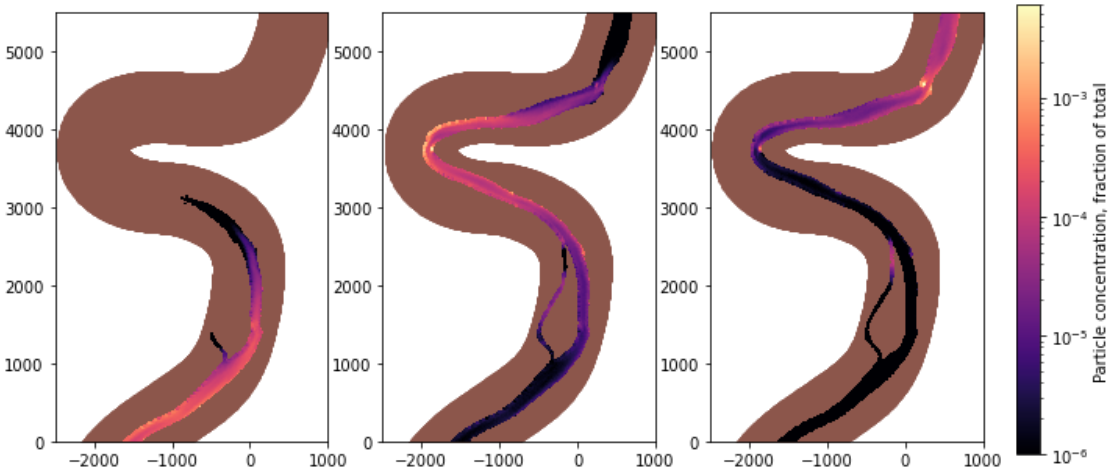
Once installed following the installation guide, fluvial-particle can be invoked from the command line for serial execution as:
fluvial_particle <User options file> <Output directory>
Where <User options file> is the path to a Python script that specifies the simulation parameters, and <Output directory> is the path where output HDF5 and XDMF files will be written.
For an MPI-enabled installation, fluvial-particle can be run in parallel (e.g. with 4 cores) using:
mpiexec -n 4 fluvial_particle_mpi <User options file> <Output directory>
There are two command line flags which can be used to further specify run time options:
--seed <int>: specify the random seed as an integer in a serial simulation (does not apply to parallel simulations)
--no-postprocess: disable the post-processing routine that generates the output cells.h5 and cells XDMF files